![true-impact-logo-color.svg]](https://support.trueimpact.com/hubfs/true-impact-logo-color.svg)
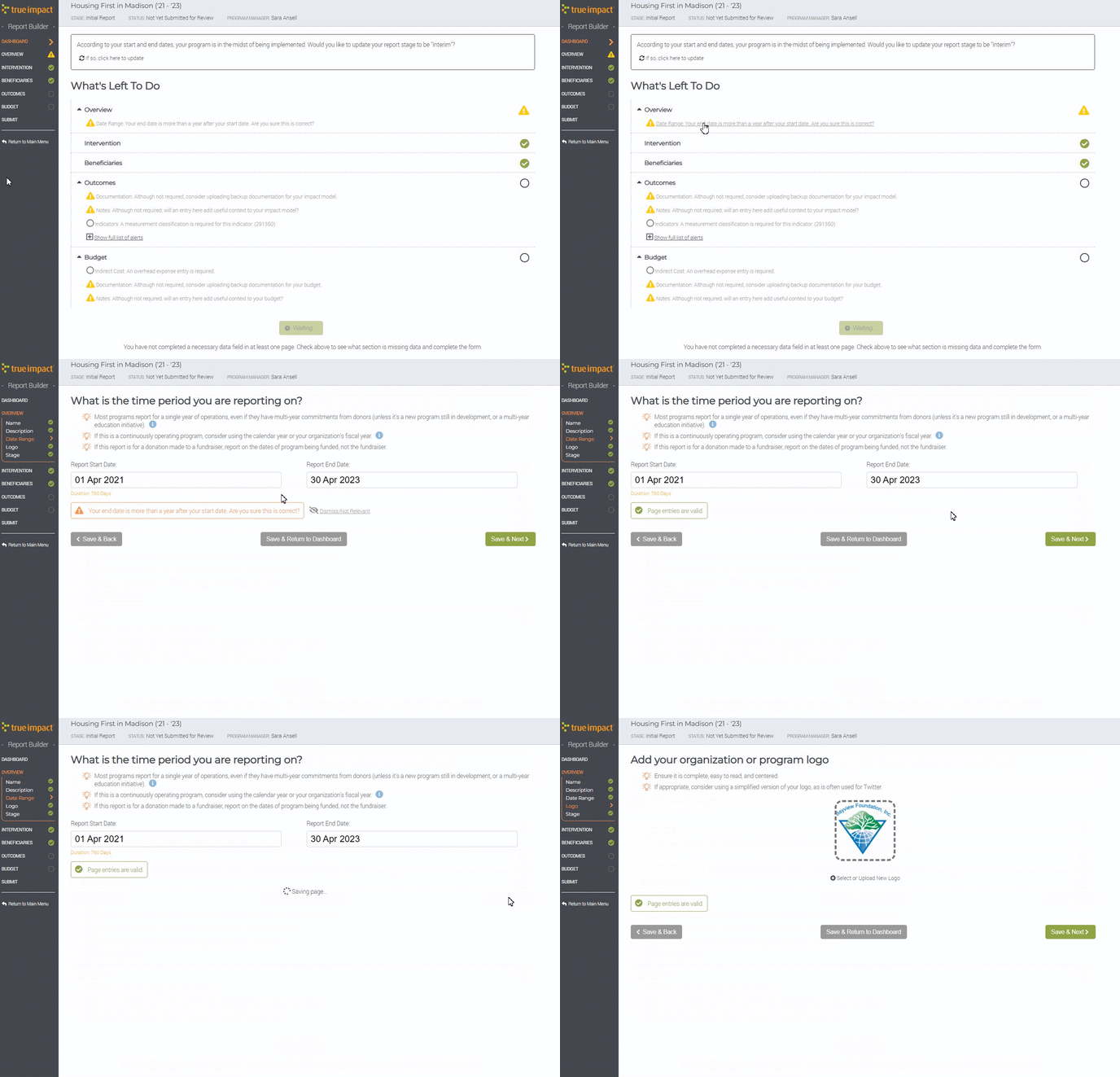
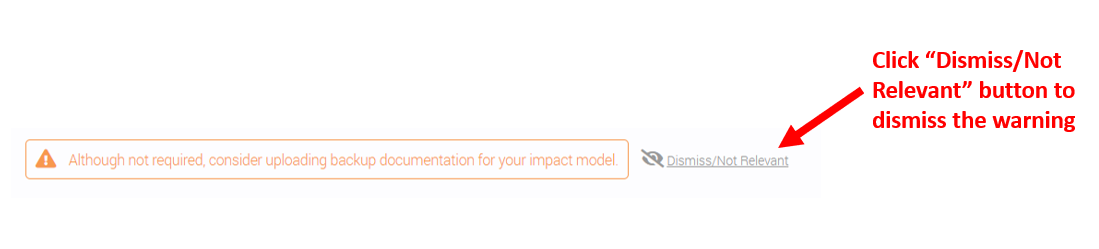
To dismiss any automated warnings you're seeing in your account, just click on the grey text next to the warning "Dismiss/Not Relevant." This will remove the warning so you can proceed. You can then click save and next to move on to the next section of your report.
You can watch this process in action here: