![true-impact-logo-color.svg]](https://support.trueimpact.com/hubfs/true-impact-logo-color.svg)
Adding a User
- Click on your name in the top corner to access your account settings.
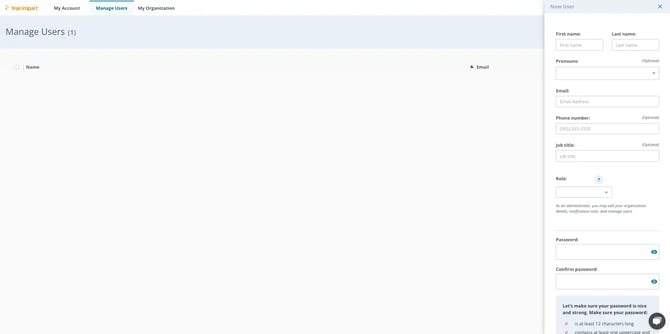
- Click on the Manage Users tab
- Click "Add New User" to add a teammate. Enter their first name, last name, email, phone number, and role, and set a password for them.
- Click on “Create User”
Removing a User
- Click on your name in the top corner to access your account settings.
- Click on the Manage Users tab
- Locate the user you want to delete, then click on the checkbox next to it.
- Click on the trashcan icon and delete.
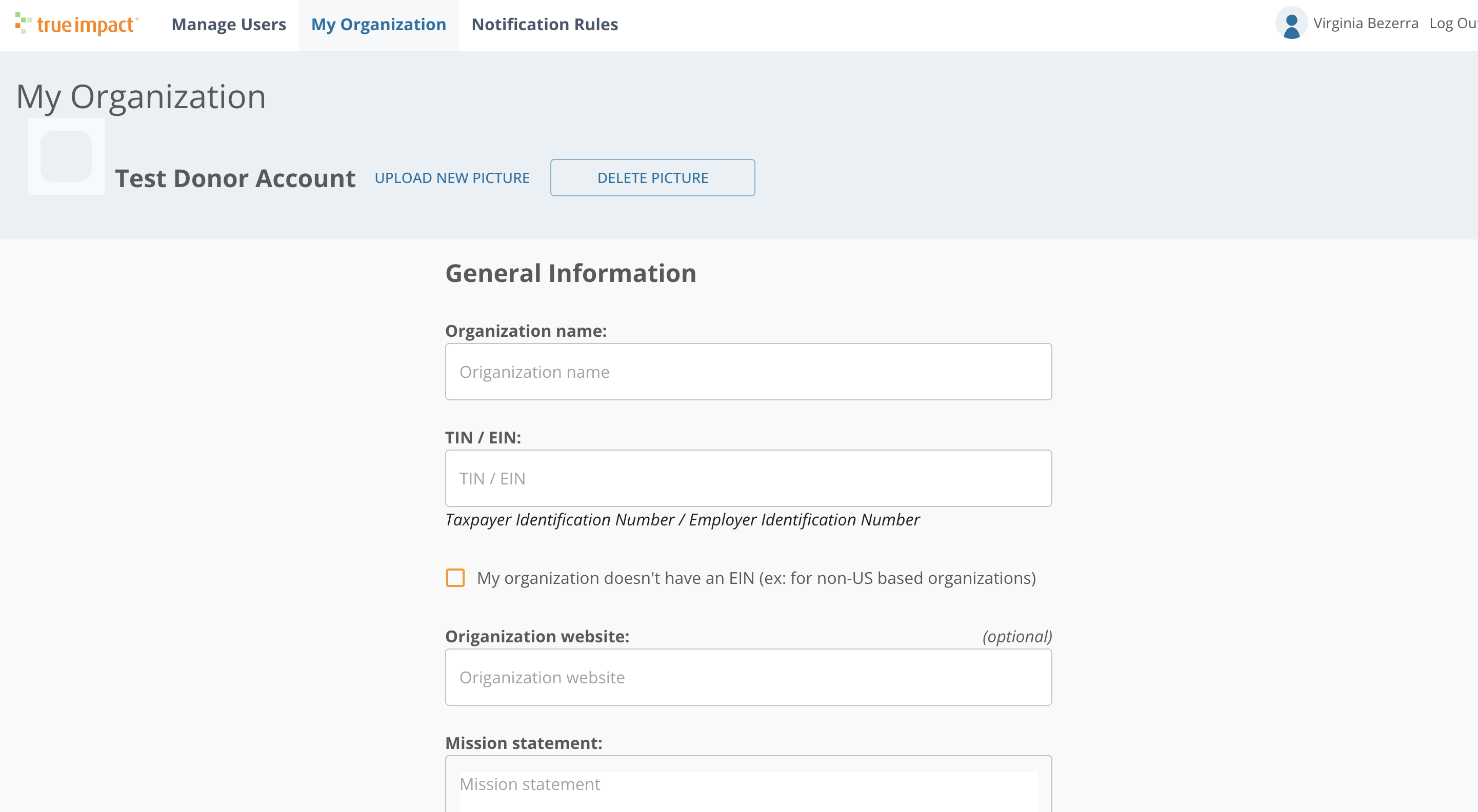
Editing your Organization’s Information (name, EIN, website)
- Click on your name in the top corner to access your account settings, organization details, and notification preferences.
- Click on the My Organization tab on top
- Edit your organization name, EIN, website address
- Click on “Save All Changes”